Why turning PDFs into JSON is harder than it sounds
A PDF is built for printing, not for code. It tells your screen where each letter should appear, but it does not say "this is a heading" or "this is a table." Your code has to figure that out.
That's why most "extract text from PDF" examples in Python just give you one big blob of text per page. That's fine if you only want to search inside the document. It is not fine if you need real structure — for example, when you are feeding documents into an AI assistant, processing invoices, or moving content into a database.
This guide shows you how to get clean, structured JSON out of any PDF using Python, with code you can actually ship. We cover the basics, the tricky parts (scanned PDFs, tables, sensitive data), and the patterns you'll want once you move past quick scripts.
What "good" JSON output looks like
Before writing any code, it helps to know what good output looks like. A useful PDF-to-JSON result has all of these:
- Real structure — separate pieces for headings, paragraphs, lists, tables, images, and math. Not one giant block of text.
- The same shape every time — every PDF should return JSON in a predictable format, so your code doesn't break on the next document.
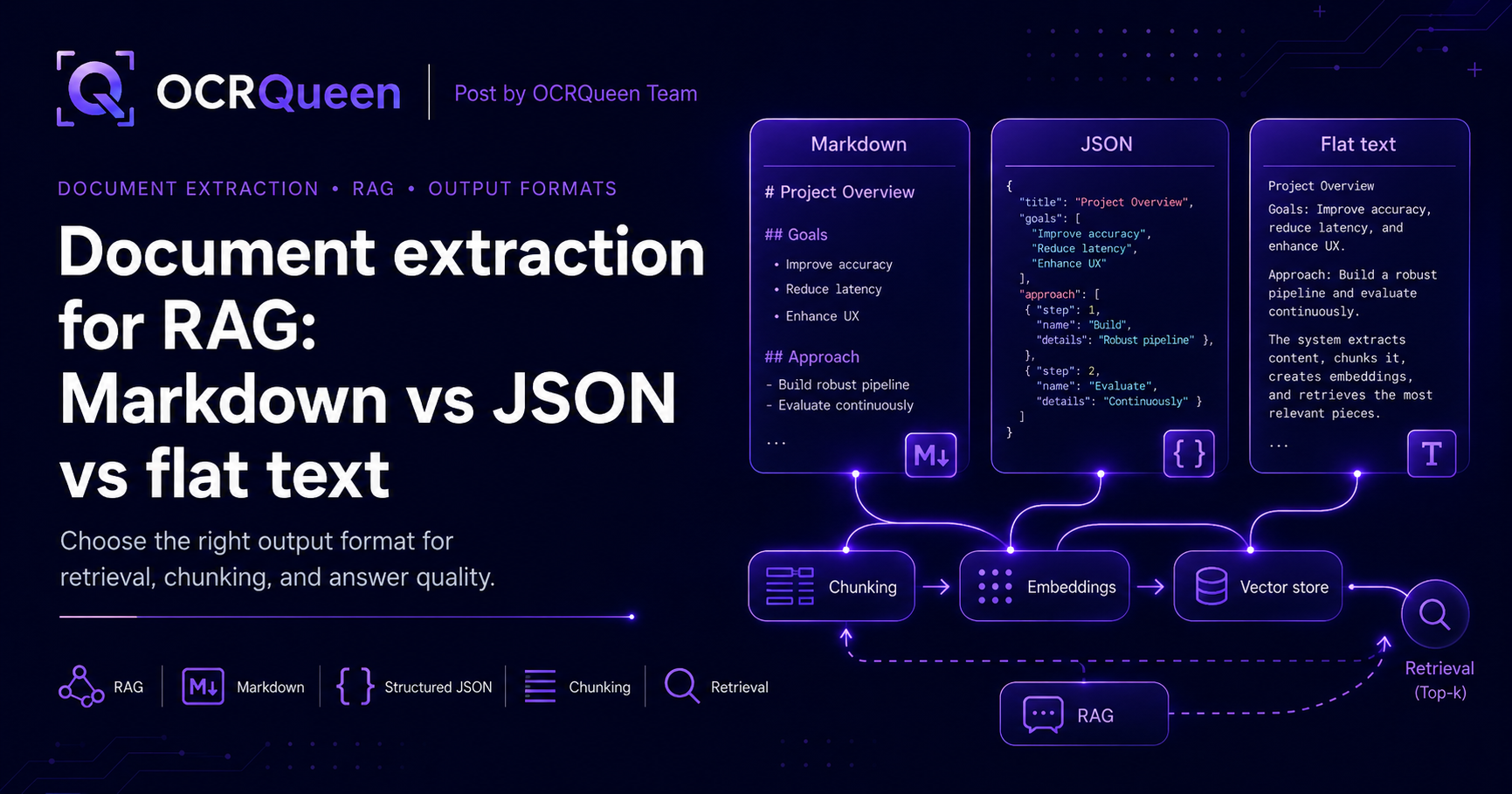
- Markdown as a bonus output — AI tools and chat models read Markdown more easily than nested JSON. Getting both saves you a conversion step.
- Works on scanned PDFs too — your code shouldn't have to ask "is this a real PDF or a scan?" before processing.
- Handles more than just PDFs — real work includes PowerPoint files, screenshots, and iPhone photos. One tool that handles all of them is much simpler than three.
- Control over how long your data is kept — important if the document contains personal or confidential information.
How OCRQueen does it
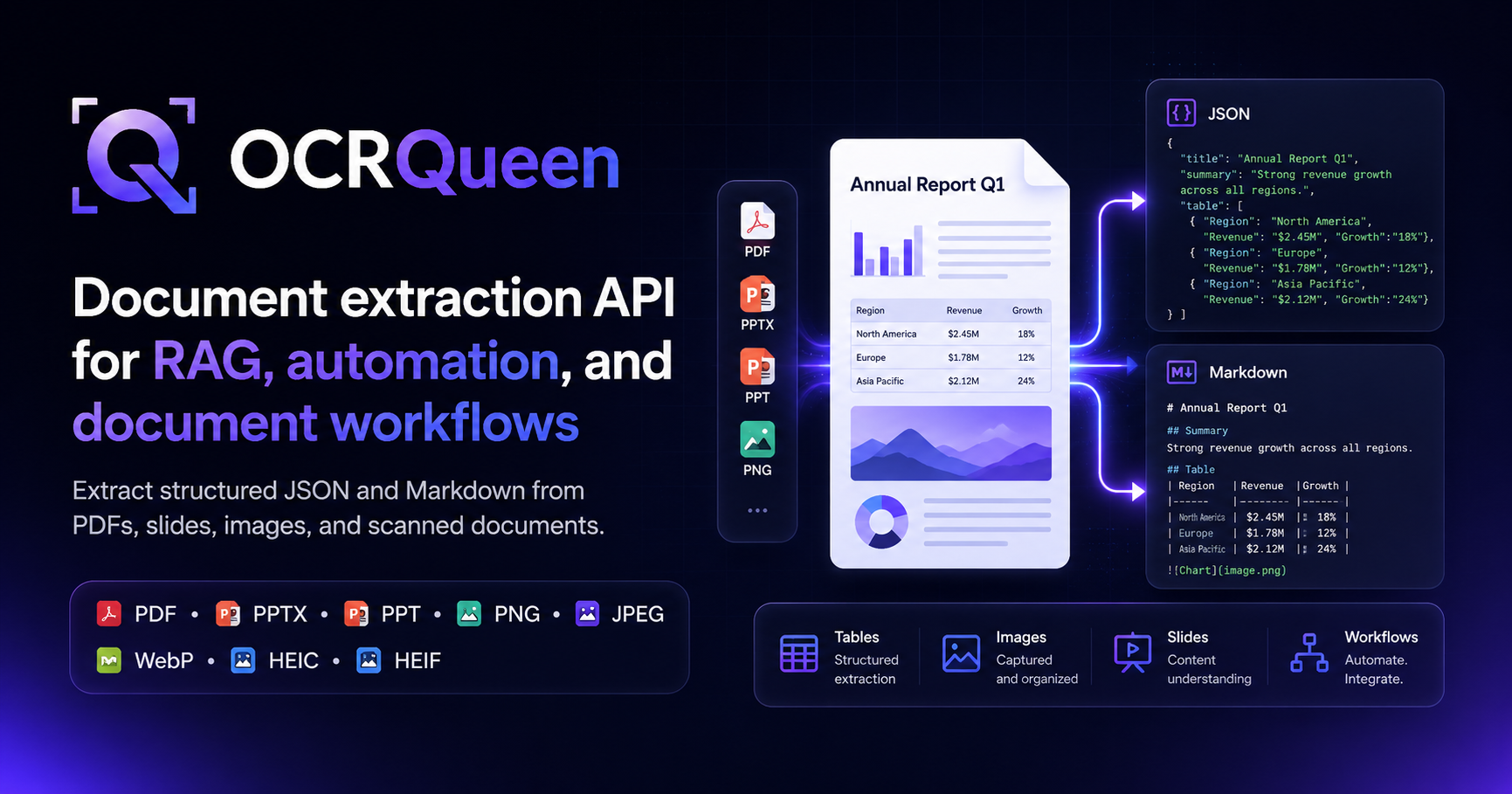
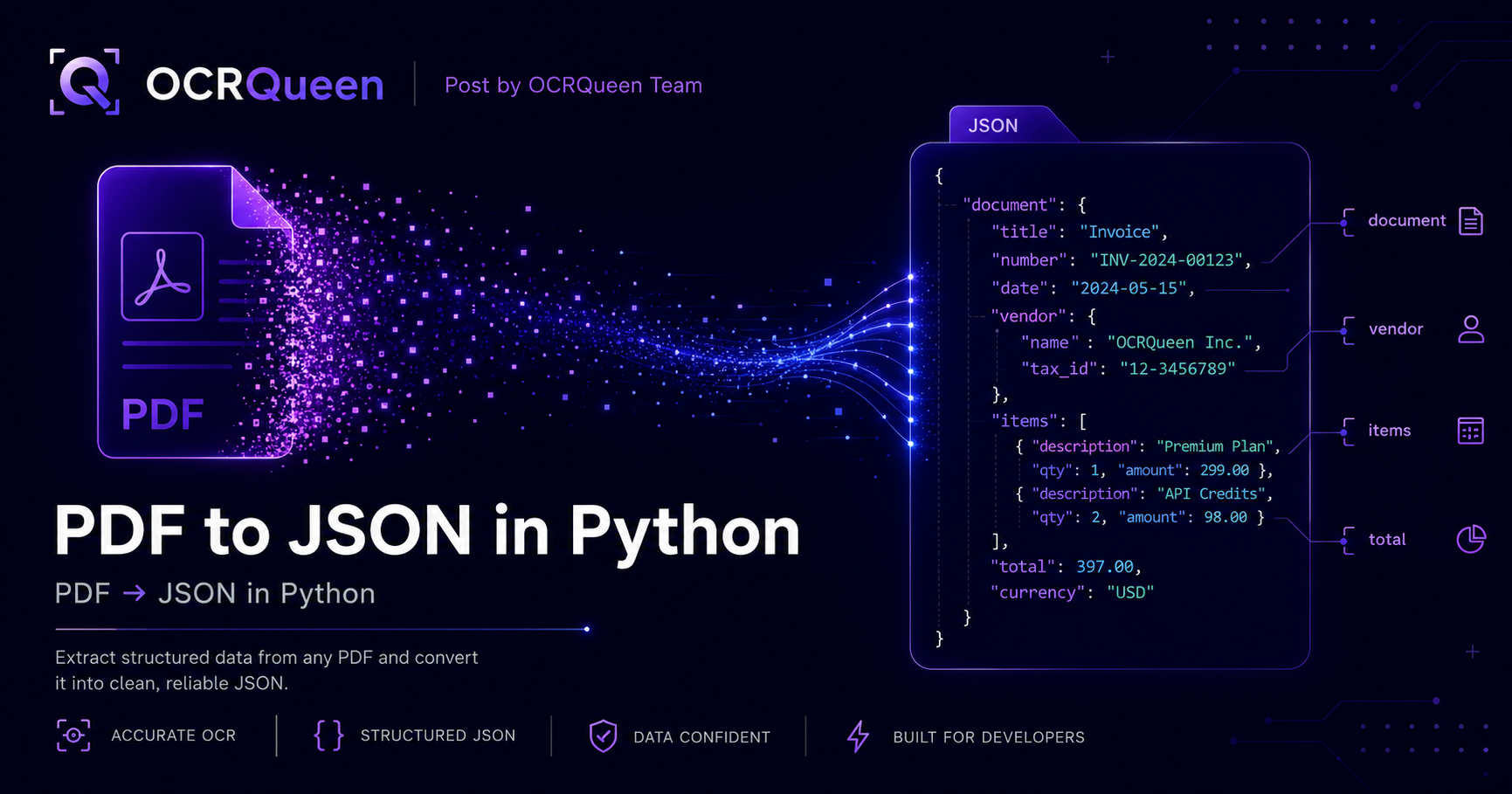
OCRQueen is an API that takes a document and returns both structured JSON and Markdown. The JSON shape is fixed: every piece of content comes back as one of a known set of types (heading, paragraph, list, table, image, math, diagram). Tables stay as real 2D data — rows and columns, not text that looks like a table.
| What you can send | What you get back | Modes |
|---|---|---|
| PDF, PPTX, PPT, PNG, JPEG, WebP, HEIC, HEIF | Structured JSON + Markdown | standard (text, tables, images, math) · advanced (adds diagram extraction, image descriptions, OCR on text inside images) |
Two things that matter once you go live:
- Prepaid billing. You add money to a wallet up front. Spending stops when the wallet is empty. There's no surprise invoice at the end of the month. See /pricing.
- You decide how long files are kept. For each request you can say "delete the source file after 1 hour" or "delete the result the moment you've sent it back to me." Useful for HIPAA, GDPR, finance, and anything else where data shouldn't sit around. Full details at /docs/data-retention.
Get a working setup in five minutes
Install the Python library:
pip install ocrqueenGrab an API key from /dashboard/keys, then run this:
import os
from ocrqueen import OCRQueen

client = OCRQueen(api_key=os.environ["OCRQUEEN_API_KEY"])

# Open your PDF and send it off
with open("invoice.pdf", "rb") as f:
    job = client.extract.create(file=f)

# Wait for the extraction to finish
result = client.jobs.wait(job)

# result.result is the full structured document. The Markdown
# rendering is one of its top-level fields.
document_json = result.result               # structured JSON
markdown      = result.result["markdown"]   # Markdown — easy for LLMs

print(markdown[:600])
What the JSON actually looks like
Each extraction returns a document object with two main parts: pages (the actual content) and extraction (info about the job — page count, mode used, how long it took). Each page contains an ordered list of blocks, and each block has a type:
{
  "source": { "page_count": 12, "mime_type": "application/pdf" },
  "extraction": { "profile": "standard", "duration_ms": 3140 },
  "markdown": "# Invoice #4392\n\nIssued 2026-05-14...",
  "pages": [
    {
      "page": 1,
      "blocks": [
        { "type": "heading", "level": 1, "text": "Invoice #4392" },
        { "type": "paragraph", "text": "Issued 2026-05-14 by Acme Corp." },
        {
          "type": "table",
          "headers": ["Item", "Qty", "Unit price", "Total"],
          "rows": [
            ["Document extraction", "10000", "$0.003", "$30.00"],
            ["Advanced extraction", "500",   "$0.012", "$6.00"]
          ]
        },
        { "type": "image", "image_url": "https://...png", "alt": "Acme logo" }
      ]
    }
  ]
}
Don't wait for the result — use webhooks instead
Calling client.jobs.wait() works great for small scripts. But in a real web app, you don't want your server sitting around waiting for an extraction to finish. The better pattern: submit the job, return right away, and let OCRQueen call you back when it's done. That callback is a webhook.
job = client.extract.create(
    file=pdf_bytes,
    options={
        "callback_url": "https://your-app.com/ocrqueen-webhook",
        "extraction_profile": "advanced",
    },
)
# Save job.id somewhere and move on. The webhook delivers the result
# when extraction finishes.
To make sure the incoming webhook is really from OCRQueen (and not someone faking it), we sign every delivery. The signature comes in the OCRQueen-Signature header — an HMAC-SHA256 of the raw request body using your endpoint's signing secret. Verify it before trusting the data:
from ocrqueen import verify_webhook

@app.post("/ocrqueen-webhook")
def handle_webhook(request):
    body = request.body  # raw bytes — do NOT re-serialize
    signature = request.headers.get("OCRQueen-Signature", "")
    if not verify_webhook(body, signature, secret=os.environ["WEBHOOK_SECRET"]):
        return Response(status_code=400)  # signature didn't match
    payload = json.loads(body)
    process_extraction_result(payload)
    return Response(status_code=204)
Safe retries with idempotency keys
Production code retries when things go wrong. The problem: a retry can accidentally trigger a second extraction — which means a second bill. The fix is an idempotency key: a label you attach to your request so that retrying with the same label returns the original job instead of running it again.
import hashlib

# Use a hash of the file as the key — same file means same key,
# means same result, every time.
content_hash = hashlib.sha256(pdf_bytes).hexdigest()
idempotency_key = f"invoice-extract-{content_hash}"

job = client.extract.create(
    file=pdf_bytes,
    idempotency_key=idempotency_key,
)
Handling sensitive documents
For medical records, financial files, ID documents, or anything else with personal data, you probably don't want the file or its extracted text sitting on any server longer than it has to. Two retention settings handle this. Set both to zero and use a webhook to receive the result — the file is deleted right after extraction, and the result is deleted as soon as we send it to you:
job = client.extract.create(
    file=pdf_bytes,
    options={
        "retain_hours": 0,           # delete source file immediately
        "result_retain_hours": 0,    # delete result after webhook delivery
        "callback_url": "https://your-app.com/ocrqueen-webhook",
    },
)
If you need to delete a specific job on demand later (for example, a "right to be forgotten" request), there's a one-call purge:
client.jobs.purge(job.id)
# Source file is deleted. Result is deleted. Only a small record
# remains for billing purposes — no content, no document data.
Three common recipes
Recipe 1: Feed PDFs into an AI assistant (RAG)
RAG ("Retrieval-Augmented Generation") is a fancy name for a simple pattern: chop up your documents, store them, and look up the right piece when a user asks a question. The trick is chopping the document at sensible boundaries — headings work well. Markdown makes this easy because headings stay as headings.
def ingest_for_rag(pdf_bytes: bytes, vector_store):
    job = client.extract.create(file=pdf_bytes)
    result = client.jobs.wait(job)
    markdown = result.result["markdown"]
    chunks = chunk_by_headings(markdown, max_tokens=512)
    embeddings = embed_chunks(chunks)
    vector_store.add(chunks, embeddings)
Recipe 2: Extract invoice tables at scale
For batch invoice processing, use webhooks and an idempotency key based on the file content. If your batch job restarts mid-way, no invoice gets processed twice. The tables come back as ready-to-use 2D arrays — drop them straight into pandas:
import pandas as pd

def parse_invoice_tables(extraction_result):
    # extraction_result is the full document (result.result from above).
    # Pages live at the top level — no nested "document" key.
    for page in extraction_result["pages"]:
        for block in page["blocks"]:
            if block["type"] == "table" and "Total" in (block.get("headers") or []):
                yield pd.DataFrame(block["rows"], columns=block["headers"])
Recipe 3: One pipeline for PDFs, slides, and phone photos
Real work isn't only PDFs. People send PowerPoint decks, screenshots, photos of receipts from their phone. One API call handles all of them with the same code and the same output shape:
def extract_any(file_path: str):
    with open(file_path, "rb") as f:
        job = client.extract.create(file=f)
    return client.jobs.wait(job).result

# All of these work the same way:
extract_any("invoice.pdf")
extract_any("pitch-deck.pptx")
extract_any("receipt-iphone.heic")
What to know before going to production
| You're worried about… | How we handle it |
|---|---|
| Surprise bills | Prepaid wallet — you top up first, spending stops when the balance is gone. See /pricing. |
| Duplicate charges from retries | Add an Idempotency-Key and the same request always returns the same job — only billed once. |
| Webhooks getting faked | Every delivery carries an OCRQueen-Signature header (HMAC-SHA256 over the raw body). Verify with the SDK helper before trusting the data. Failed deliveries retry automatically. |
| Sensitive document data sitting around | Per-job retention controls. Set both windows to 0 for "extract and forget." Or call jobs.purge() on demand. |
| Limiting access for different services | API keys can be scoped. Give your dashboard a read-only key; give your job runner a write key. Easy to rotate independently. |
| Wanting to keep extracted images in your own cloud | Bring Your Own Storage (BYOS) — we write extracted images directly to your S3 or R2 bucket. See /docs/storage. |
Frequently asked questions
How do I extract JSON from a PDF in Python?
Install OCRQueen (pip install ocrqueen), open the file, and call client.extract.create(file=f). Wait for the job and result.result is the full structured document; result.result["markdown"] is the Markdown rendering. The "Working setup in five minutes" section above shows the full code.
Will the JSON shape be the same for every PDF?
Yes. Every extraction returns the same set of block types (heading, paragraph, list, table, image, math, diagram). If we add new block types later, your existing code keeps working — it just sees a type it can ignore.
Can OCRQueen read scanned PDFs?
Yes. The standard mode handles both regular PDFs and scanned ones — your code doesn't need to know which is which. For the best quality on scans, pass extraction_profile="advanced".
How do I get PDF tables into pandas?
Tables come back with headers and rows already split out. Pass them straight to pd.DataFrame(rows, columns=headers). The invoice recipe above shows the exact pattern.
What's the best output for AI assistants and RAG?
Markdown. Most AI tools and embedding models read Markdown more cleanly than nested JSON because headings, lists, and tables all stay intact. OCRQueen gives you both — use Markdown for the AI side, JSON for your own code.
How do I extract PDFs without storing them anywhere?
Set retain_hours=0 and result_retain_hours=0, and add a callback_url. The file is deleted right after extraction, and the result is deleted as soon as we send it to your webhook. Full contract at /docs/data-retention.
Should I wait for the result or use a webhook?
Waiting is fine for scripts and one-off jobs. For real web apps, use a webhook — submit the job, return right away, and process the result when OCRQueen calls you back. This stops your server from being tied up waiting.
Does OCRQueen handle PowerPoint files and iPhone photos?
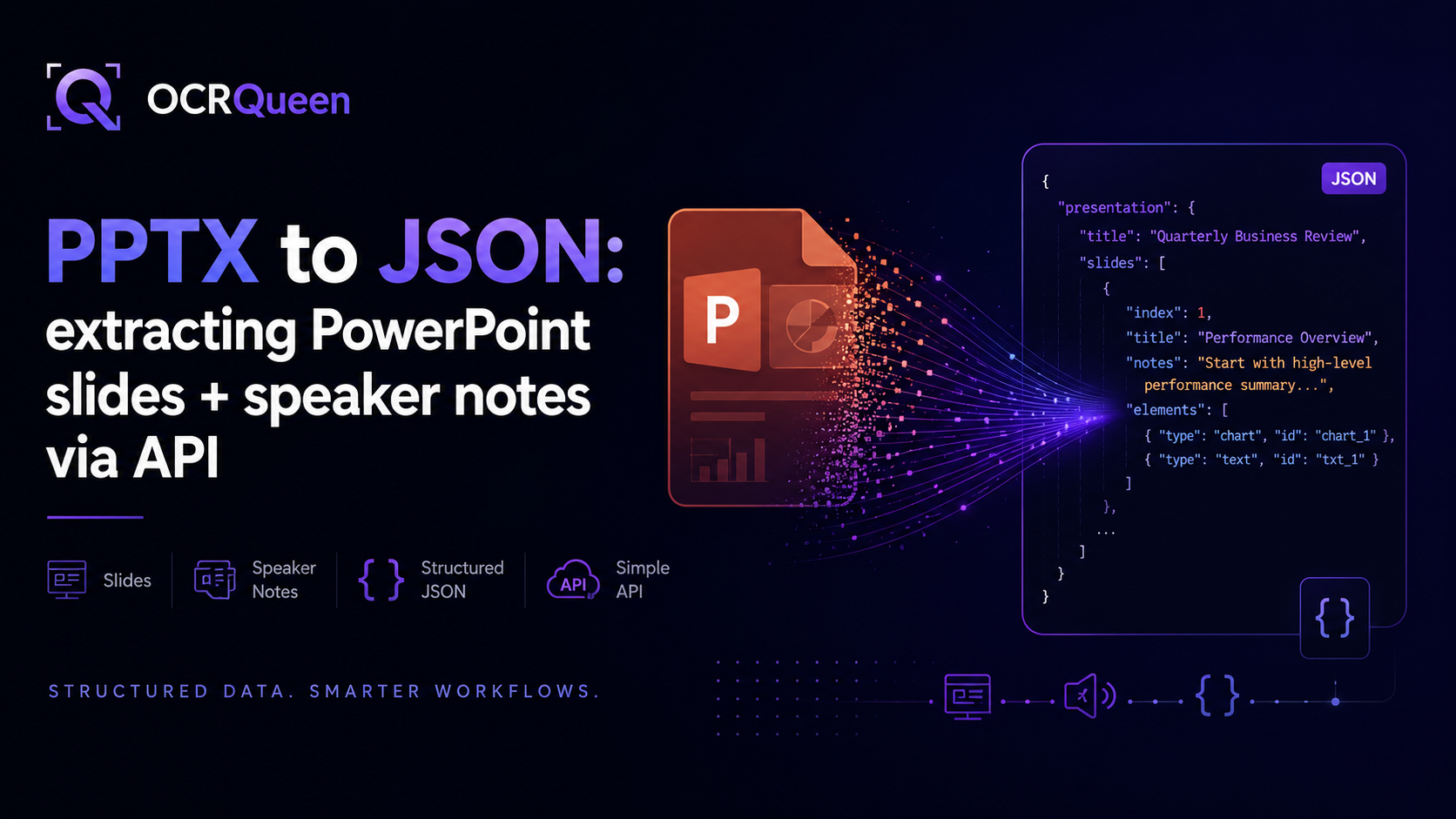
Yes. The same API call handles PDF, PPTX, PPT, PNG, JPEG, WebP, HEIC, and HEIF files. PowerPoint extractions keep speaker notes. iPhone HEIC photos work directly — no need to convert them first.
How much does PDF extraction cost?
OCRQueen uses prepaid billing — you add money to a wallet, and spending stops when the balance is gone. Current prices are on /pricing. You can try the API on your own documents in the playground for free.
How do I make my code safe to retry?
Add an idempotency key, ideally based on the file content (sha256(pdf_bytes)). If your code retries the request, the same key returns the original job — you don't get billed twice and your downstream code doesn't run twice.
Sources
- ISO 32000-2:2020 — Document management — Portable document format (PDF 2.0), accessed 2026-05-16.
- OCRQueen — Full API documentation, accessed 2026-05-16.
- OCRQueen — Data retention & deletion contract, accessed 2026-05-16.
- OCRQueen — Storage, retention, and BYOS, accessed 2026-05-16.
- OCRQueen Python SDK on PyPI, accessed 2026-05-16.
The fastest way to know if this fits your project is to try it. Drop a real document into the OCRQueen playground and see the JSON output for yourself.